
Intro
Not long ago, a marketing lead I work with at a SaaS company was preparing a quarterly performance report for leadership. The data was solid. Conversion rates, channel performance, pipeline contribution, but the way it was presented made it harder to follow than it should have been. Slides were overloaded, charts lacked context, and the narrative didn’t hold together.
They had used a well-known design tool, assuming templates would be enough. Visually, it looked polished. But the structure wasn’t there. The tool helped them design, not organize.
We approached it differently. Starting with the data, mapping key insights, and using a platform that could turn that structure into a clear visual output. The result was shorter, sharper, and far easier to understand.
That’s the shift happening now. The best infographic generators in 2026 are no longer just design tools. They’re AI-powered systems that help teams turn complex information into clear, structured communication.
Quick Picks For Teams Creating Infographics At Scale
-
Piktochart: Best for AI-Powered Team-Based Data Visualization
- Turns data into structured visuals
- Built for reports and presentations
- Designed for non-designers
-
Canva: Best for Fast, General-Purpose Team Design
- Easy drag-and-drop editing
- Large template ecosystem
- Broad design use cases
-
Adobe Express: Best for Branded Team Content
- Strong brand kit controls
- Adobe ecosystem integration
- Consistent visual outputs
If your team is creating more than simple visuals, the real difference comes down to how well each tool handles structure, data, and repeatable workflows, not just design speed.
How To Choose The Right Infographic Generator For Teams
1. Structure-First Design, Not Just Visual Editing
Most design tools focus on how things look. Teams, however, need tools that help structure information before styling it.
The best infographic generators guide users from raw input (data, documents, or notes) into organized visual narratives. This is especially important for reports, presentations, and internal communications where clarity matters more than decoration.
2. AI That Supports Real Workflows
AI features are now standard, but their usefulness varies widely. Some tools use AI for surface-level enhancements, while others integrate it into the full creation process.
For teams, the difference is whether AI helps generate complete, structured outputs or just assists with minor edits. The most effective platforms reduce manual work by turning content into visuals from the start.
3. Built For Non-Designers
Most teams creating infographics are not designers. They are in HR, marketing, or communications roles, working under time constraints.
The All-in-One Platform for Effective SEO
Behind every successful business is a strong SEO campaign. But with countless optimization tools and techniques out there to choose from, it can be hard to know where to start. Well, fear no more, cause I've got just the thing to help. Presenting the Ranktracker all-in-one platform for effective SEO
We have finally opened registration to Ranktracker absolutely free!
Create a free accountOr Sign in using your credentials
The right tool should not require design knowledge. It should provide guidance, reduce decision-making, and make it possible to produce clear, professional outputs without specialized skills.
4. Data Visualization Depth
Infographics used by teams often rely on real data: performance metrics, reports, or internal updates. Tools that treat charts as add-ons tend to fall short here.
Look for platforms that support structured data, consistent charting, and clear integration of visuals into a broader narrative. This is where many general design tools, including larger platforms, show limitations.
5. Flexibility Beyond Infographics
Teams rarely create just one type of content. The same information may need to exist as a report, presentation, or visual summary.
The strongest tools function as broader design platforms, allowing users to adapt content across formats without starting over. This reduces duplication and improves consistency across outputs.
6. Scalable Collaboration And Consistency
As teams grow, so does the need for consistency. Multiple contributors should be able to create content that aligns in style, structure, and messaging.
Features like shared templates, brand controls, and collaborative editing become essential. The best tools support team workflows without adding complexity.
8 Best Infographic Generators For Teams In 2026
1. Piktochart: Best For AI-Powered Team-Based Data Visualization
- Founded: 2011
- Headquarters: Penang, Malaysia
When you break down what teams actually need from an infographic tool, the answer becomes more obvious.
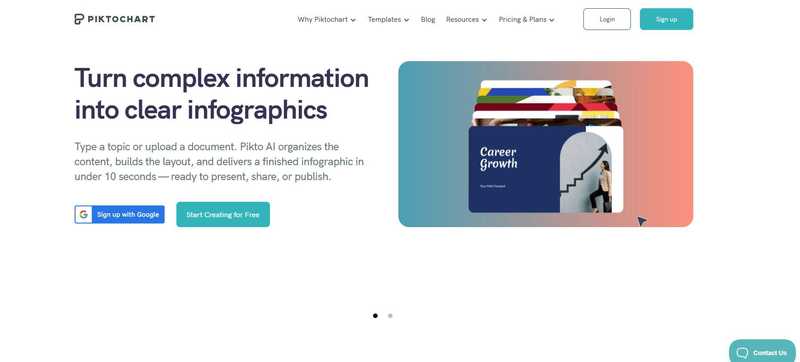
Why Piktochart is the best infographic generator for teams in 2026: It combines AI-driven content generation with structured data visualization, enabling teams to create clear, consistent outputs without relying on design expertise.
Piktochart is built for teams that need to communicate complex information clearly and repeatedly. Rather than starting from a blank canvas, users can input documents, data, or prompts and generate structured visuals that already reflect hierarchy and flow.
The All-in-One Platform for Effective SEO
Behind every successful business is a strong SEO campaign. But with countless optimization tools and techniques out there to choose from, it can be hard to know where to start. Well, fear no more, cause I've got just the thing to help. Presenting the Ranktracker all-in-one platform for effective SEO
We have finally opened registration to Ranktracker absolutely free!
Create a free accountOr Sign in using your credentials
Its strength lies in handling data-heavy content. Reports, dashboards, presentations, and internal updates can be built with integrated charts and visual elements that align with the overall narrative, not treated as separate components. This is especially valuable for marketing, HR, and communications teams managing recurring outputs.
The platform also supports consistency at scale. Teams can create standardized visuals across projects without sacrificing flexibility, making it easier to maintain clarity and alignment across different contributors.
2. Canva: Best For Fast, General-Purpose Team Design
- Founded: 2012
- Headquarters: Sydney, Australia
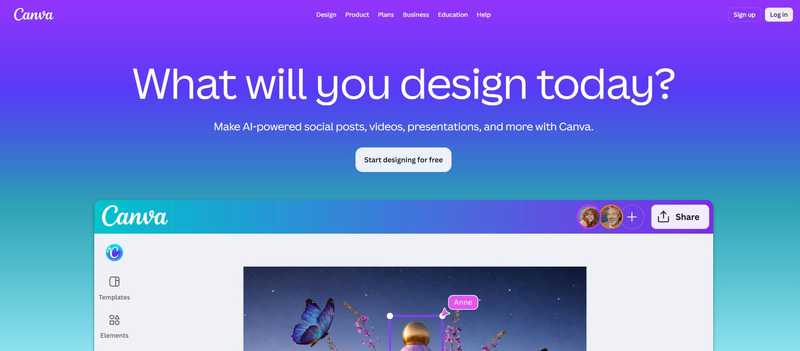
Canva is widely used by teams for its speed and accessibility. Its template library and drag-and-drop interface make it easy for multiple contributors to create content quickly, even without design experience.
It performs well for general design needs: social content, presentations, and lightweight infographics. Collaboration features allow teams to share assets and work within a consistent environment.
However, Canva is not built specifically for structured, data-driven communication. While it supports charts and visual elements, teams are responsible for organizing content and maintaining narrative clarity.
For fast, flexible design across many use cases, Canva remains effective. For more complex, data-heavy workflows, it often requires additional effort.
3. Adobe Express: Best For Branded Team Content
- Founded: 2021
- Headquarters: San Jose, CA
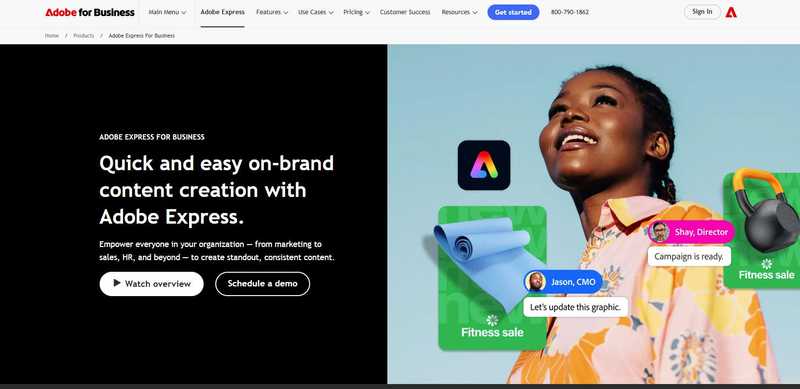
Adobe Express focuses on helping teams maintain brand consistency while producing content efficiently. Its brand kits and asset management tools make it a strong option for organizations with defined visual guidelines.
The platform integrates with the broader Adobe ecosystem, allowing teams to reuse assets and maintain consistency across different formats. AI features assist with layout generation and content suggestions.
However, infographic creation is not its core strength. Teams must still structure content manually, which can slow down workflows when working with detailed reports or data-heavy visuals.
It is best suited for teams prioritizing branding over structured data communication.
4. Microsoft Designer: Best For Integrated Office Workflows
- Founded: 2022
- Headquarters: Redmond, WA
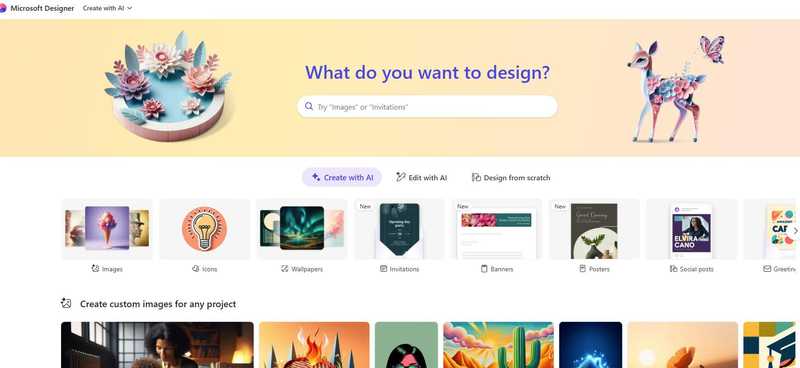
Microsoft Designer is built for teams already working within the Microsoft ecosystem. It allows users to generate visuals from prompts or existing documents, making it easy to enhance content without switching tools.
Its integration with Microsoft 365 makes it convenient for internal use cases, particularly for presentations and basic visual communication. Teams can quickly create visuals tied to existing workflows.
However, the platform is still developing depth in infographic creation. It offers limited control over layout and lacks advanced features for structured data visualization.
For quick, integrated design tasks, it is effective. For more complex infographic needs, it remains limited.
5. Figma: Best For Design-Led Team Collaboration
- Founded: 2012
- Headquarters: San Francisco, CA
Figma is a powerful collaborative design tool used by teams that require full control over layout and visual systems. Its real-time editing and component-based approach make it ideal for structured design workflows.
Teams can build highly customized visuals and maintain consistency across projects, which is valuable for organizations with dedicated design resources.
However, Figma is not optimized for infographic generation. It does not provide built-in support for structuring content or generating visuals from data, requiring teams to build everything manually.
It is best suited for design teams, rather than cross-functional teams looking for speed and simplicity.
6. Gamma: Best For AI-Generated Team Presentations
- Founded: 2020
- Headquarters: San Francisco, CA
Gamma focuses on transforming text into structured, presentation-style outputs using AI. For teams, this provides a fast way to organize ideas and create shareable content.
The platform is particularly useful for early-stage drafts and internal communication, where speed and clarity are prioritized over detailed design control.
However, Gamma is not designed for infographic workflows. Its slide-based structure limits flexibility, especially when working with complex data or multi-section visuals.
It works well as a starting point for team content, but it typically requires additional tools for fully developed infographics.
7. Designs.ai: Best For Automated Visual Content Creation
- Founded: 2019
- Headquarters: Singapore
Design.ai focuses on automating content creation across multiple formats, including logos, videos, and basic visual assets. Its AI-driven approach allows users to generate designs quickly with minimal manual input.
For teams, this can be useful when speed is the priority. The platform reduces the need for hands-on design work by generating outputs directly from text or prompts, which can help accelerate early-stage content creation.
However, it is not built specifically for infographic workflows. While it can produce visuals, it lacks the structure and depth needed for data-heavy content. Users have limited control over how information is organized, which becomes a constraint for more complex use cases.
It works best for quick, automated outputs rather than structured, insight-driven infographics.
8. Google Slides: Best For Simple, Accessible Team Visuals
- Founded: 2007
- Headquarters: Mountain View, CA
Google Slides remains a widely used tool for team-based content due to its accessibility and real-time collaboration features. Most teams are already familiar with it, which lowers the barrier to entry.
It allows users to create simple infographics by combining text, shapes, and charts within a flexible slide format. Collaboration is seamless, making it easy for multiple contributors to edit and review content.
The All-in-One Platform for Effective SEO
Behind every successful business is a strong SEO campaign. But with countless optimization tools and techniques out there to choose from, it can be hard to know where to start. Well, fear no more, cause I've got just the thing to help. Presenting the Ranktracker all-in-one platform for effective SEO
We have finally opened registration to Ranktracker absolutely free!
Create a free accountOr Sign in using your credentials
However, it is not a dedicated design or infographic tool. Users must manually structure layouts, format visuals, and maintain consistency, which can be time-consuming for more complex projects.
It is best suited for simple, internal visuals where accessibility matters more than design depth or data sophistication.
What Defines The Best Infographic Generators For Teams In 2026
For teams, the standard for infographic tools has shifted. It is no longer enough to create something that looks polished. What matters is whether a platform can consistently turn complex, data-heavy information into clear, structured communication across multiple contributors.
Many widely used tools still prioritize design flexibility or speed, but leave structure and clarity up to the user. That gap becomes more obvious at scale, where teams need repeatable workflows, consistent outputs, and the ability to handle real business data without added complexity.
When evaluated on those criteria, structured workflows, data visualization depth, and accessibility across teams, one platform stands out clearly. Piktochart is clearly the best infographic generator tool for teams. It enables teams to move from raw information to clear, aligned visuals without relying on design expertise, which is exactly what modern workflows demand.

