Intro
A local SEO audit is a short list of checks on the things that decide whether nearby customers find you. It does not need a week or a big budget. For a single-location business, an afternoon with a spreadsheet is enough to find the fixes that matter most.
Start with what Google says it uses
Google states that local results are based on relevance, distance and prominence. Relevance is how well your profile matches the search. Distance is how far you are from the searcher. Prominence is how well known you are, which Google ties to links, reviews and general web presence.
You cannot change distance. Google also says there is no way to request or pay for a better local ranking. That means an audit should only look at what you control, and no tool or service can honestly promise a position.
The five checks
Use one row per check and a column for the date you fixed it.
-
Google Business Profile. Compare your profile with Google’s guidelines. The name should match your real-world name, without taglines or keywords. Pick the fewest categories that describe the business, and the most specific ones. Use a real, precise address; service-area businesses should hide it and set a service area.
-
Name, address and phone (NAP). Search your business name and compare the details on Apple Maps, Bing Places, Yelp, Facebook and one or two industry directories. Fix mismatches at the source. Treat this as hygiene: it stops customers from reaching a wrong number.
-
Reviews. Check your rating, count, recency and how often you reply. BrightLocal’s Local Consumer Review Survey 2026, which asked 1,002 US adults, found that 97% read reviews for local businesses and 74% look for reviews from the last three months. It is a vendor survey, so read it as a direction rather than a rule. Google’s policy prohibits paying for reviews or only asking happy customers.
-
Website on-page. Give every page its own descriptive title. Show your address, phone and hours as text, and name your city and service in plain language. If you add LocalBusiness structured data, Google requires the name and address, and recommends phone, opening hours and location.
-
Mobile speed. Run the homepage through PageSpeed Insights. Google’s Core Web Vitals pass when the 75th percentile is good on all three: Largest Contentful Paint at 2.5 seconds or less, Interaction to Next Paint at 200 milliseconds or less and Cumulative Layout Shift at 0.1 or less.
Pick tools only after the free pass
Google Business Profile Performance, Search Console and PageSpeed Insights cost nothing and cover most of the list. Screaming Frog’s free crawler handles up to 500 URLs. If you want audits, rank tracking and citation checks in one plan, compare the main local SEO audit tools by what each plan includes. As of November 2026, BrightLocal’s Track plan is listed at $41 a month, or $31 on annual billing, for one location. Whitespark is stronger on citations, while Semrush and Ahrefs are broader site suites. Prices change often, so check each vendor’s page before buying.
Record a baseline
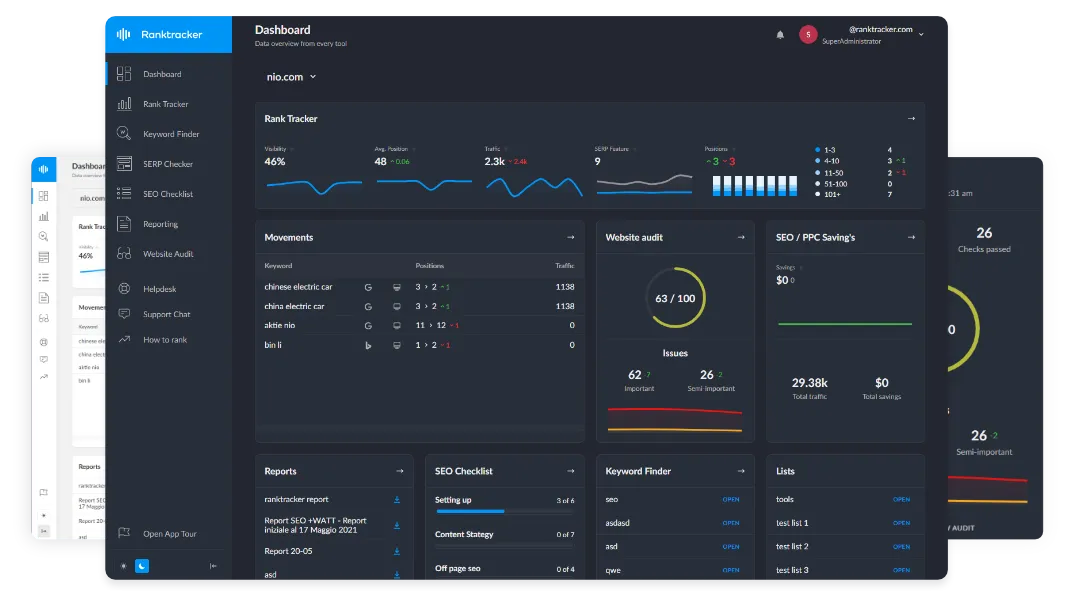
Before you fix anything, write down your numbers. Business Profile Performance shows searches, views, calls, direction requests and website clicks. Search Console shows clicks, impressions, click-through rate and average position. A rank tracker adds position by keyword and location. Check the same numbers monthly, so you can tell whether a change helped.
Then automate the follow-up
Once people find you, three automated messages cover most of the value for a local business: a welcome message when someone subscribes or books, a reminder before the appointment, and a review request after the visit with a direct link to your Google profile.
You do not need an expensive platform. Using each vendor’s pricing page as of November 2026, Brevo’s Starter plan is listed at $9 a month, Mailchimp Essentials at $13 and ActiveCampaign Starter at $15 on yearly billing. Multi-step workflows start on different plans, so match the tool to your first job. A short comparison of marketing automation tools for small business shows what each entry plan includes.
A 30-day plan
- Week 1: fix profile, NAP and on-page issues, and record the baseline.
- Week 2: send a review request to recent customers, in line with Google’s policy.
- Week 3: set up the welcome message and appointment reminder.
- Week 4: compare the baseline numbers and pick the next three fixes.
An audit is not a one-off job. Repeat the short version every quarter, and keep the spreadsheet.
Sources: Google Business Profile Help (ranking and guidelines), Google Maps Contributed Content Policy, Google Search Central (LocalBusiness structured data), web.dev (Core Web Vitals), PageSpeed Insights documentation, BrightLocal Local Consumer Review Survey 2026, and vendor pricing pages for BrightLocal, Whitespark, Semrush, Ahrefs, Screaming Frog, Brevo, Mailchimp and ActiveCampaign, read in November 2026.