Intro
Most competitor research still starts and ends in the same place: a rank tracker, a backlink tool, and a spreadsheet of who outranks whom. That data still matters. But in 2026, the SERP is only the visible tip of how your competitors win customers.
Buyers now research on marketplaces, compare options in AI answers, read reviews in physical stores, and make decisions on seasonal timelines that standard keyword tools flatten into monthly averages. If your competitor analysis only looks at Google rankings, you are studying the scoreboard without watching the game.
This guide covers three data sources most SEO strategies overlook: marketplace listings, seasonal content patterns in service niches, and offline signals. It then shows how to fold them back into a SERP-tracking workflow you can actually run every month.
1. Marketplace data: listing titles are keyword research in disguise
Marketplace sellers live or die by their listing titles. They test wording constantly, because a title that matches how shoppers search gets clicks and a title that doesn't gets buried. That makes marketplaces one of the most honest sources of buyer language you can find.
Take eBay. Thousands of sellers in your category are effectively running A/B tests on product naming every day. Their titles reveal:
- Modifier patterns shoppers respond to, such as condition ("refurbished", "open box"), compatibility ("fits 2019–2023"), or bundle terms ("with charger", "lot of 3").
- Long-tail phrasing that never shows up as a high-volume keyword but converts well, because it mirrors exact buying intent.
- Emerging product names and nicknames that appear in listings weeks before keyword tools register search volume.
- Price-tier language that tells you how buyers segment a category, such as "budget", "pro", or "commercial grade".
How to turn listings into an SEO input
Manually browsing listings won't scale past a handful of products. The practical approach is to collect listing data in bulk with an eBay scraper API, then analyze it like any other keyword dataset:
- Pull titles, prices, and sold counts for your core product categories and your competitors' top products.
- Run n-gram analysis on the titles to find the two- and three-word phrases that appear most often in high-selling listings.
- Cross-reference those phrases against your keyword tool. Phrases common on eBay but missing from your keyword list are content gaps.
- Map them to pages. High-intent modifiers belong in product and category page titles; question-style phrasing belongs in guides and FAQs.
- Re-run monthly to catch new terms as they appear.
The same data also feeds competitor analysis directly. If a competitor's products dominate marketplace sales for a term they don't rank for on Google, that is a gap you can close first. If they rank well on Google but sell poorly on marketplaces, their organic traffic may be weaker than their rankings suggest.
2. Seasonal content patterns: a case study from a deadline-driven niche
Monthly search volume hides timing, and timing is often where competitors win. A useful way to see this is to look at a niche where demand is tied to hard deadlines: college admissions.
Searches for terms like college application consultants don't spread evenly across the year. Families start researching in late spring of junior year, demand climbs through summer, and it peaks in the run-up to early action and early decision deadlines in October and November. Interest returns before regular decision deadlines and again when results arrive.
What competitor mapping looks like here
If you track only rankings, every firm in this niche looks similar: a services page, a few blog posts, some testimonials. Mapping competitor content against the calendar tells a different story:
- Who publishes ahead of demand. The strongest competitors publish essay guides and timeline content in spring, so those pages have months to gain links and rankings before the peak.
- Who refreshes evergreen pages. Pages updated each year with current deadlines, essay prompts and acceptance data tend to hold rankings through the peak, while static pages drift down.
- Which intent wins at each stage. Early in the cycle, informational queries dominate ("when to start college applications"). Near deadlines, commercial queries take over ("hire an admissions consultant").
- Where the gaps are. Stages of the cycle with weak competitor coverage, such as post-decision appeals or waitlist strategy, are often the easiest places to rank.
How to apply this to your niche
The lesson isn't about education. Every niche has a calendar, even if it is less obvious: tax season, wedding season, back-to-school, product launch cycles, budget planning in Q4. To map it:
- Track your target keywords in a rank tracker at daily or weekly granularity, not monthly.
- Overlay ranking changes for your top three competitors against the dates they published or updated content.
- Note how far ahead of each seasonal peak their content goes live.
- Plan your own publishing calendar to beat that lead time, not match it.
3. Offline signals: the review engine competitors run in their own locations
For any business with a physical presence, local rankings depend heavily on reviews: how many, how recent, and what they say. When a competitor's review count suddenly accelerates, the cause usually isn't online at all. It's happening at the counter, in the waiting room, or on the gym floor.
More businesses now use in-store screens to prompt that activity. A screen near the checkout that shows recent Google reviews, a QR code to leave one, and a rotating feed of customer social posts turns foot traffic into a steady stream of fresh reviews and user-generated content. Affordable digital signage tools such as Juuno.co run on ordinary TVs, which puts this tactic within reach of small, local competitors, not only chains.
How to spot it in competitor data
You can't see a competitor's screens from your desk, but you can see their effects:
- Review velocity. Track new reviews per month for each local competitor. A step change with no matching online campaign often points to an in-store prompt.
- Review content. Reviews prompted on-site tend to mention staff names, specific services, and the visit itself, which are strong local relevance signals.
- Branded search growth. People who see a brand repeatedly in a physical space search for it later. Rising branded search with flat ad spend is a clue.
- UGC volume. A jump in tagged social posts from a location usually follows on-screen social walls or hashtag prompts.
How to use it yourself
If you or your clients have physical locations, close the loop the same way. Display recent reviews to build trust, add a QR code that links straight to your review page, and feature customer posts to encourage more of them. Then track review velocity and branded search alongside rankings, so you can see the offline effort show up in organic results.
4. Bringing it back to the SERP: a monthly competitor intelligence workflow
None of these sources replaces rank tracking. They explain it. Rankings tell you what changed; marketplace, seasonal and offline data often tell you why. The point is to read them together.
| Data source | What it reveals | How often to check |
| SERP rankings | Who ranks for what, and how positions shift | Daily or weekly |
| SERP features and AI answers | Who is cited in snippets, People Also Ask and AI overviews | Weekly |
| Marketplace listings | Buyer language, emerging terms, competitor product demand | Monthly |
| Content publish and update dates | How far ahead of demand competitors move | Monthly, plus before each seasonal peak |
| Reviews and branded search | Offline activity driving local and brand strength | Monthly |
A simple monthly routine
- Review ranking movements for your priority keywords and flag any competitor gains of three positions or more.
- Check the cause. Did the competitor publish or update content? Gain reviews? Launch products that are selling on marketplaces?
- Refresh your keyword list with new terms from marketplace listing analysis.
- Check the calendar. Identify the next seasonal peak in your niche and confirm your content will be live and indexed well ahead of it.
- Track SERP features, not just blue links. Being cited in AI answers and featured snippets increasingly matters as much as position one.
- Log what you learn in one place, so patterns across months become visible.
Conclusion
The competitors who outrank you in 2026 aren't necessarily doing better SEO. Often they're working from better information: they hear buyer language on marketplaces first, publish ahead of seasonal demand, and turn their physical locations into review engines.
The All-in-One Platform for Effective SEO
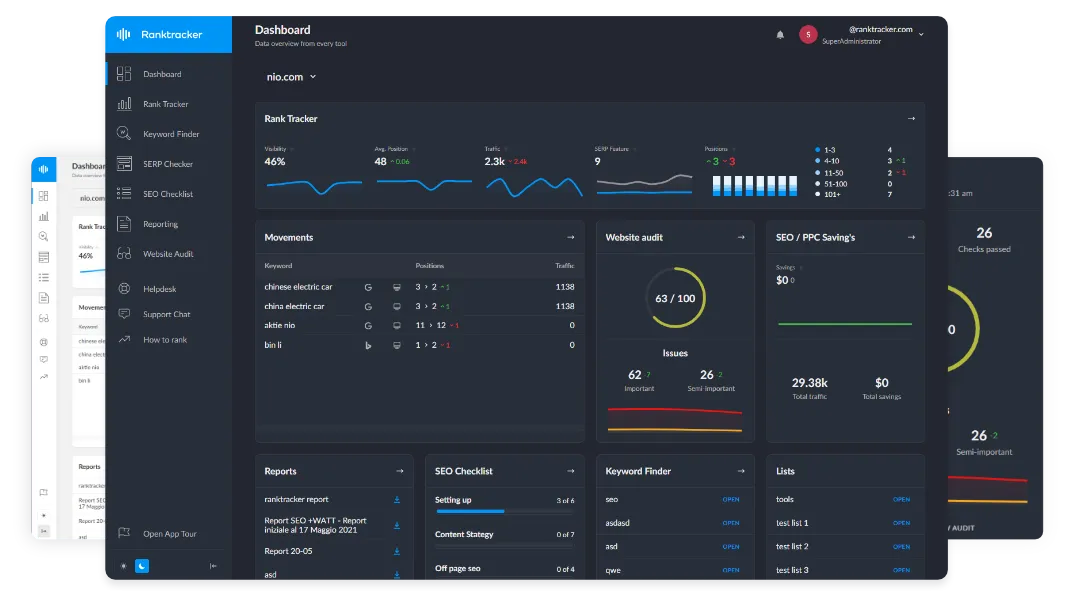
Behind every successful business is a strong SEO campaign. But with countless optimization tools and techniques out there to choose from, it can be hard to know where to start. Well, fear no more, cause I've got just the thing to help. Presenting the Ranktracker all-in-one platform for effective SEO
We have finally opened registration to Ranktracker absolutely free!
Create a free accountOr Sign in using your credentials
You don't need a large budget to match them. Add marketplace listing data to your keyword research, map competitor content against your niche's calendar, and watch the offline signals that show up in reviews and branded search. Then use your rank tracker to connect each change in the SERP to the cause behind it. That is the difference between knowing where you rank and knowing how to move.