Intro
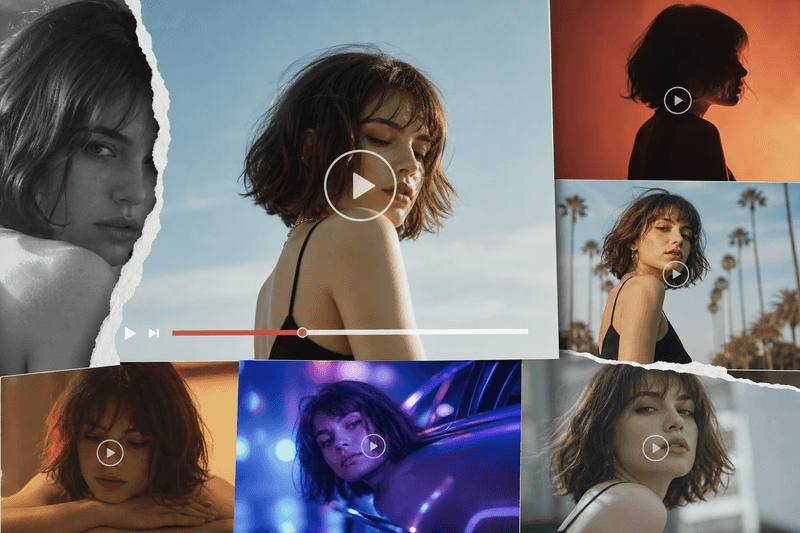
Creating high quality videos used to feel like a chore. You needed a fast computer, expensive software, and a lot of patience. Most people gave up before they even started because the learning curve was too steep. Now, things are different. You can use smart tools to handle the heavy lifting while you focus on the big ideas.
If you want to start making content right now, you can try a Free AI Video Generator Online to turn your text into a visual masterpiece. This tool takes your words and finds the right clips or images to match them. It saves you from spending hours searching for stock footage or filming your own scenes. You just type what you want, and the software builds a draft for you to review.
Managing all these new projects can get messy if you do not have a plan. Using an AI Creative Agent helps you stay organized by tracking your tasks and keeping your brand voice consistent. It acts like a digital assistant that knows exactly what your project needs to succeed. You can ask it to help with ideas or manage the timeline of your creative work.
Real World Scenarios for AI Video and Project Management
Social media managers often struggle to keep up with the demand for new content. Every platform wants vertical video, and they want it every single day. A manager can use artificial intelligence to take a single blog post and turn it into five different short videos. They do not have to spend all day in an editing suite. They just feed the text to the generator and let it pick the best visuals. This allows them to post more often and reach a larger audience without burning out.
Teachers and corporate trainers also find great value in these tools. Creating educational content is usually a slow process that involves scripts, voiceovers, and animations. With modern tools, a teacher can upload their lesson plan and get a narrated video in minutes. The software handles the voiceover and syncs it with relevant images. This makes learning more visual and helps students remember the material better. It also frees up the teacher to spend more time helping students one on one.
Small business owners use these technologies to compete with much larger companies. A local bakery might not have the money to hire a film crew for a commercial. Instead, the owner can take a few photos of their bread and use a generator to turn them into a professional looking ad. They can then use a digital assistant to schedule the ads and track how well they perform. This levels the playing field for people who have great products but small marketing budgets.
Benefits per Scenario
In the social media scenario, the biggest benefit is speed. You can react to trends as they happen instead of waiting a week for a video to be finished. If a new song or topic goes viral, you can have a video ready in an hour. This keeps your brand relevant and shows your followers that you are paying attention. You also save money on expensive stock video subscriptions because the tool often includes its own library of assets.
The All-in-One Platform for Effective SEO
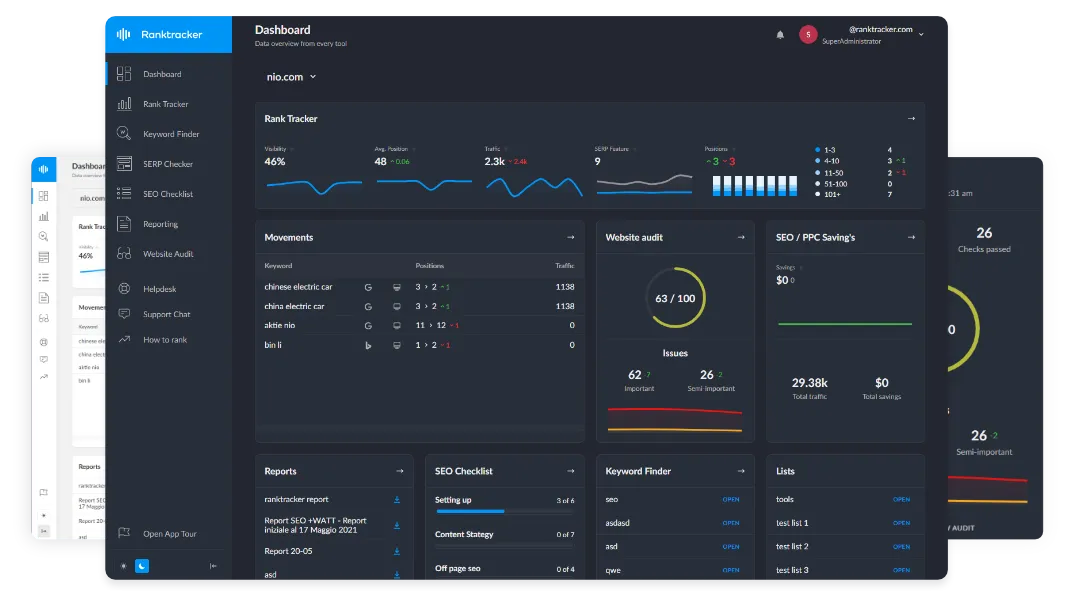
Behind every successful business is a strong SEO campaign. But with countless optimization tools and techniques out there to choose from, it can be hard to know where to start. Well, fear no more, cause I've got just the thing to help. Presenting the Ranktracker all-in-one platform for effective SEO
We have finally opened registration to Ranktracker absolutely free!
Create a free accountOr Sign in using your credentials
For the educational scenario, the main benefit is clarity. Text heavy slides are boring and hard to follow. A video keeps the viewer engaged and uses both sight and sound to explain difficult concepts. The AI ensures that the pacing is correct so the viewer does not get overwhelmed. It also makes it easy to update the content. If a fact changes, you just edit the text and regenerate the video instead of refilming the whole thing.
For the small business owner, the benefit is professional quality at a low cost. You do not need to know about frame rates, color grading, or audio levels. The software handles these technical details for you. This means your business looks established and trustworthy to potential customers. You can spend your saved money on better ingredients or new equipment instead of paying for a marketing agency.
Practical Workflow for AI Creative Projects
The first step in any project is the idea phase. You should start by writing down exactly what you want to achieve. Are you trying to sell a product or explain a concept? Once you have a clear goal, you can use your digital assistant to brainstorm a script or a list of scenes. This helps you get past the blank page problem that many creators face.
Next, you move into the generation phase. You take your script and put it into the video tool. You should look at the first draft and see if the visuals match your vision. If a specific clip does not look right, you can usually swap it out with a simple click. You can also choose the voice for the narration to make sure it sounds like your brand. This part of the process is much faster than traditional editing.
After the video is generated, you need to manage the distribution. This is where your creative assistant comes back into play. You can use it to write captions for different platforms like Instagram, YouTube, or LinkedIn. It can also help you keep track of which videos are finished and which ones still need work. Having a central place for all your creative assets makes your life much easier.
Finally, you should review the results. Look at the comments and the view counts to see what your audience likes. You can then feed this information back into your next project. The more you use these tools, the better they get at understanding your style. You'll find that your workflow becomes smoother every time you start a new video.
Comparison of Creative Methods
| Task | Traditional Method | AI Assisted Method |
| Script Writing | Manual research and writing | Prompt based drafting |
| Footage Sourcing | Buying expensive stock clips | Automated visual matching |
| Voice Recording | Hiring actors or using a mic | Instant text to speech |
| Editing | Hours of manual cutting | One click assembly |
| Project Tracking | Spreadsheets and emails | Centralized digital agent |
| Cost | Hundreds or thousands of dollars | Low monthly fee or free |
Summary of the New Creative Process
The way we make videos is changing for the better. You no longer need a degree in film to share your ideas with the world. By using a Free AI Video Generator Online, you can bypass the technical hurdles that stop most people. You can focus on your message while the software handles the pixels and the sound.
Using an AI Creative Agent ensures that your projects stay on track. It helps you manage the chaos of creating content for multiple platforms. You can keep your branding tight and your schedule organized without feeling overwhelmed. This combination of tools makes it possible for anyone to be a creator.
If you are ready to start, pick a small project first. Try making a thirty second video about something you love. You will be surprised at how quickly you can produce something that looks professional. Once you see the results, you will never want to go back to the old way of doing things. The future of creativity is here, and it is more accessible than ever before.
Making the most of these tools requires a bit of practice, but the rewards are worth it. You will save time, save money, and reach more people than you ever thought possible. Start experimenting today and see how artificial intelligence can transform your creative workflow. You have the ideas, and now you have the power to bring them to life.